If you’ve scrolled through TikTok, Instagram Reels, or YouTube Shorts in the last few months, you’ve definitely seen them: glowing, 3D blue emoji faces with smug grins, sunglasses, or streams of tears — layered over dark, high‑contrast “phonk” edits. These aren’t your average yellow smileys. They are blue emoji troll faces, and they’ve become the visual signature of one of the biggest meme editing trends of 2026.
In this guide, you’ll learn where this trend came from, why blue emojis work so well for video edits, how to create your own blue emoji phonk edit step by step, and where to download free, transparent HD blue troll face PNGs — no watermarks, no sign‑up, just drag‑and‑drop assets from Troll Face Download.
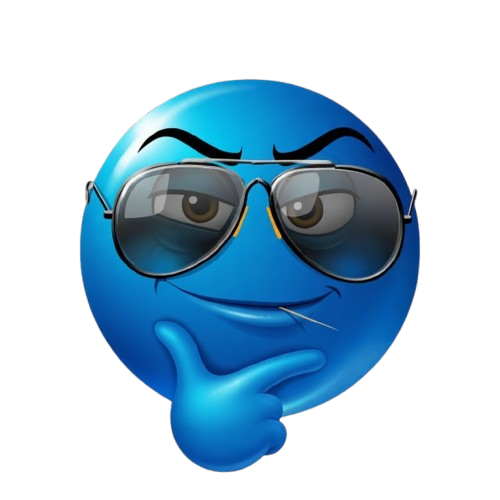
The iconic Blue Sly Emoji — a staple of the phonk edit trend. Artist: Sharjeel
The Origin of the Blue Emoji Troll Face Trend
Traditional emojis are yellow. The shift to blue happened gradually within niche meme communities, but it exploded thanks to the phonk music edit scene. Phonk is a genre of lo‑fi, bass‑heavy hip‑hop with dark, aggressive vibes. Creators started pairing their drifting clips and glitchy transitions with distorted, glowing emojis that felt more “underground” than the standard bright yellow ones.
Blue, as a color, carries connotations of mystery, coldness, and digital rebellion. A blue crying emoji or a blue smug face with sunglasses instantly signals a different emotional register — ironic detachment, trolling, or even melancholy. The 3D renders (like the ones in our library) add depth, making them perfect for high‑contrast, visual‑heavy edits.
Platforms like Discord and Twitch further fuelled the trend by adopting blue emoji variants as custom stickers and emotes. This created a feedback loop: viewers saw the emojis in streams, wanted to use them in their own edits, and began searching for blue emoji troll face PNGs to download.
Why Blue Emojis Are a Must-Have for Video Editors
- Instant “Phonk” Aesthetic: Drop a blue laughing emoji onto a dark background with heavy bass, and the vibe is set. No need for complex color grading.
- High Contrast & Visibility: The bright blue pops against dark or neon backgrounds, making the meme overlay instantly readable even in fast‑paced cuts.
- Emotional Range: From sad blue crying faces to angry, shocked, and party emojis, the blue palette covers every reaction a creator needs.
- Memetic Recognition: Because the blue emoji style is now trending, using these assets signals that you’re “in the know” — which can increase viewer retention and shares.
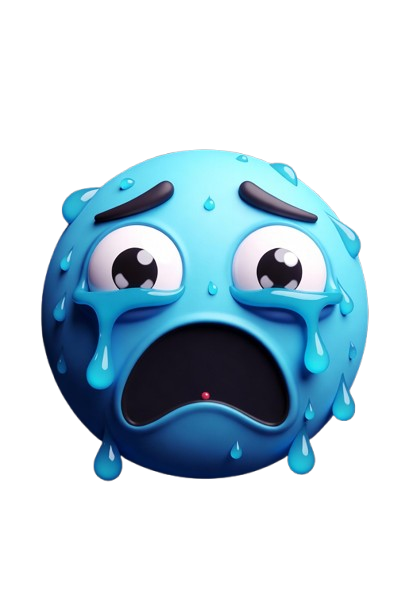
Crying

Laughing
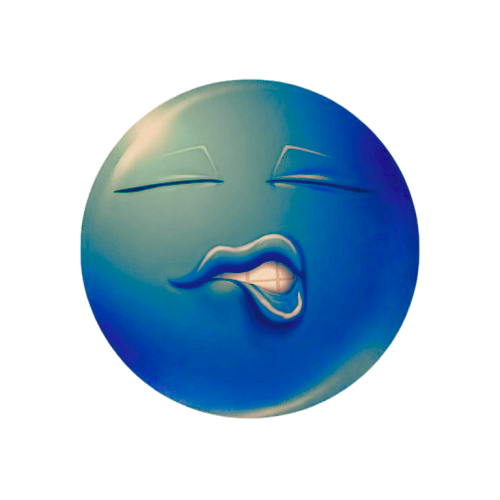
Flirty

Smug
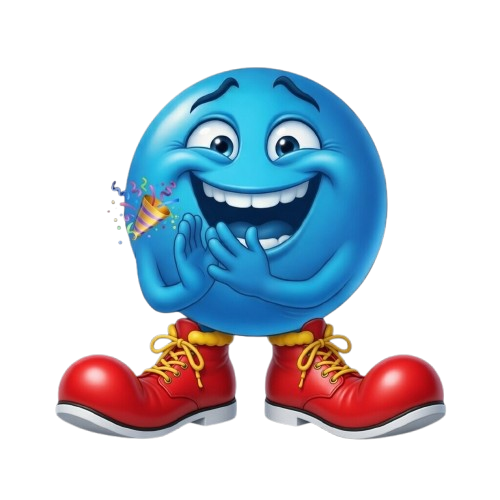
Party
How to Create a Blue Emoji Troll Face Phonk Edit (Tutorial)
You can use any editing software — CapCut, After Effects, Alight Motion, or even Premiere Pro. I’ll focus on CapCut Mobile because it’s free and what most creators use.
Step 1: Source Your Blue Emoji Assets
Go to Troll Face Download and use the “Blue Emojis” filter on the homepage. You’ll see all 40+ blue emoji variants — from angry to starry‑eyed. Tap an image, then long‑press to save the transparent PNG to your gallery.
Step 2: Choose Your Base Clip
Phonk edits typically use fast cars, anime clips, or eerie nighttime footage. Import your chosen clip into CapCut.
Step 3: Add the Blue Emoji Overlay
Tap Overlay → Add overlay → From Photos and select your saved blue emoji. Resize it and place it where it will catch the eye — often centered or hovering near the subject’s face.
Step 4: Apply Keyframes for Dynamic Movement
Use keyframes to make the emoji pulse, slide, or rotate in rhythm with the beat. A common technique is a subtle “breathe” animation: scale 100% → 105% → 100% over two beats.
Step 5: Add a Glow or Chromatic Aberration Effect
From the Effects tab, apply Glow (set color to cyan or electric blue) to the overlay. This gives the emoji that signature “radiating” look. Many creators also duplicate the overlay, offset it by 2px, and set the top layer to “Screen” blend for a chromatic aberration glitch effect.
Step 6: Tweak the Color Grade
Go to Adjust → Color and push the shadows toward blue/teal, crush the blacks slightly, and add a vignette. This ties the entire scene together and makes the blue emoji feel like it belongs.
Advanced: Pairing Blue Emojis with Scary Text
Many top‑performing phonk edits combine a blue emoji with creepy typography. Use our Scary Text Generator to create a custom horror caption, download it as a transparent PNG, and layer it alongside your blue emoji. The combination of a smug blue face and bloody red text creates a visual tension that keeps viewers watching.
YOU CAN’T HIDEWhere Creators Find the Best Blue Emoji Troll Face PNGs
There’s a lot of low‑quality or watermarked content out there. Here’s why our library is the go‑to for thousands of editors:
- 100% Transparent Backgrounds — No green screen junk. Just drop the PNG onto any clip.
- HD 3D Renders — Our blue emojis are rendered with realistic lighting, not flat 2D clip art.
- Full Emotional Range — Crying, laughing, sly, angry, worried, party, shocked… all in one place.
- Free & No Attribution Required — Use them in YouTube videos, TikTok edits, even commercial projects. Artist: Sharjeel.
- Direct Download, No Sign‑Up — Save images instantly to your device.
Blue Emoji Troll Face Trend: FAQ
The blue color fits the dark, moody aesthetic of phonk and underground edits. It also helps the emoji stand out against dark backgrounds and gives a colder, more ironic vibe than cheerful yellow.
Absolutely. Download the PNGs to your computer, then drag and drop them directly onto the CapCut Pro timeline. The transparent background is preserved.
Yes. All images on Troll Face Download are free for personal and commercial projects. No credit needed, though appreciated.
In CapCut, select the overlay, tap Effects → Glow, and set the color to cyan or blue. Adjust the intensity to your liking. In desktop software, use a layer style with outer glow or duplicate the layer, blur it, and set blend mode to Screen.
Quick Reference: Best Blue Emojis for Different Edit Styles
| Edit Type | Blue Emoji to Use | Emotion |
|---|---|---|
| Phonk / Drift Edits | Blue Smug Sunglasses, Blue Sly | Confidence, danger |
| Sad / Emotional Clips | Blue Crying, Blue Worried | Melancholy, despair |
| Party / Hype Montages | Blue Party Emoji, Blue Laughing | Excitement, celebration |
| Angry / Rage Edits | Blue Angry, Blue Fiery Punch | Fury, aggression |
| Flirty / Romantic Edits | Blue Flirty, Blue Starry Eyes | Attraction, playfulness |
Remember, every blue emoji you see in this article is a real, downloadable asset from Troll Face Download. We’ve built the largest collection of transparent troll faces on the web, and it’s growing weekly.
Get All 40+ Blue Emoji Troll Faces
Download the complete blue emoji pack — transparent, HD, and ready for CapCut, After Effects, Alight Motion, and more.
⬇️ Download Blue Emoji PackFree for personal & commercial use. Artist: Sharjeel.
Now you have everything you need to hop on the blue emoji troll face trend and start creating edits that grab attention. If you’re looking for more meme assets, check out our scary troll faces and rage comic faces for maximum variety.