Rage Comic Faces & Angry Reactions
Browse expressive rage faces, angry reactions, gaming frustration graphics and troll-style meme artwork. Open any image to preview it, then save the PNG directly from the collection.
What is in this collection?
This collection focuses on exaggerated expressions such as anger, frustration, disbelief, shock and over-the-top gaming reactions. The goal is to make it easy to find a visual that matches the reaction you want to share.
All artwork published in this collection is original work created using generative AI tools specifically for TrollFaceDownload. None of the images were copied from other websites.
Rage Faces & Gaming Reactions
Select an image to view it at full size. Use Save to download the PNG or Link to copy the image address.
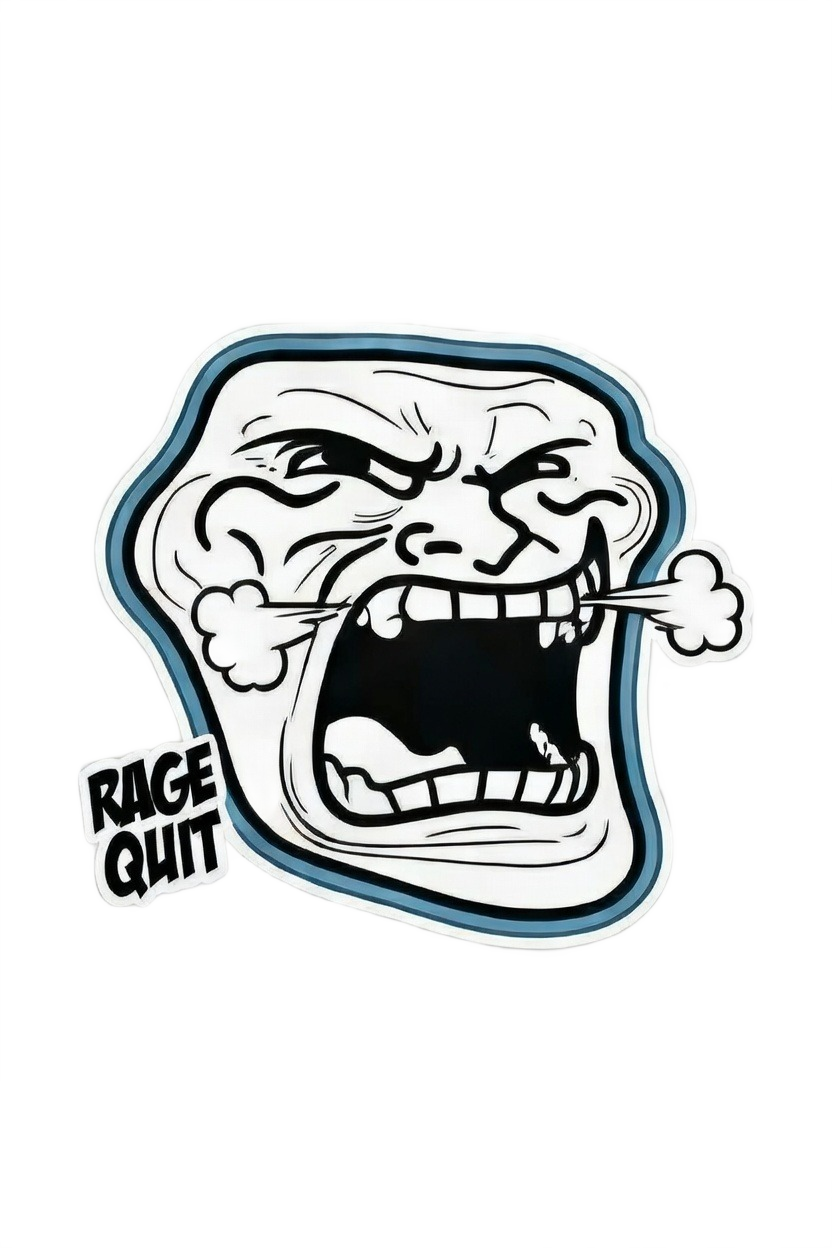
Rage Quit Troll Face
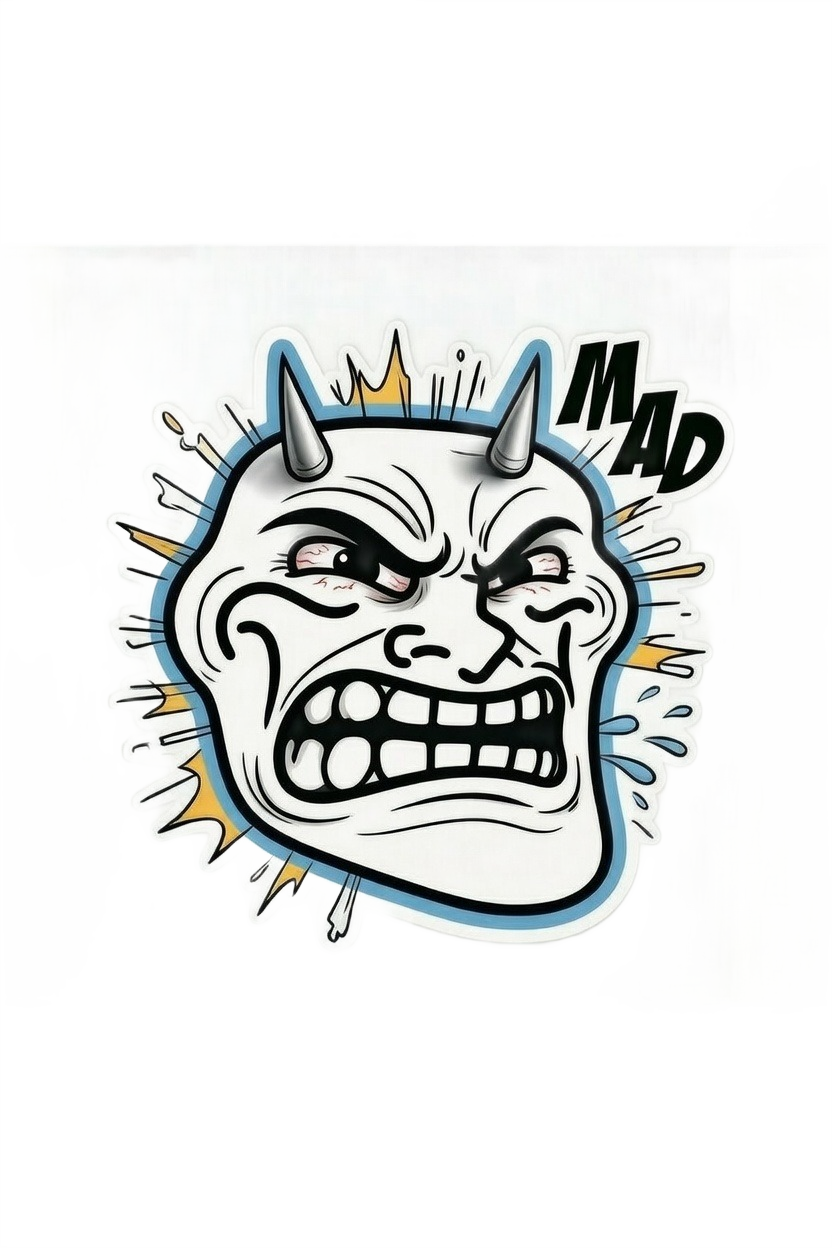
Mad Troll Face

FAAAA Troll Face

Classic Troll Face

Shocked Troll Face

FAAAA Devil Troll

Blue Fiery Punch

Green Fiery Punch

Green Angry Emoji
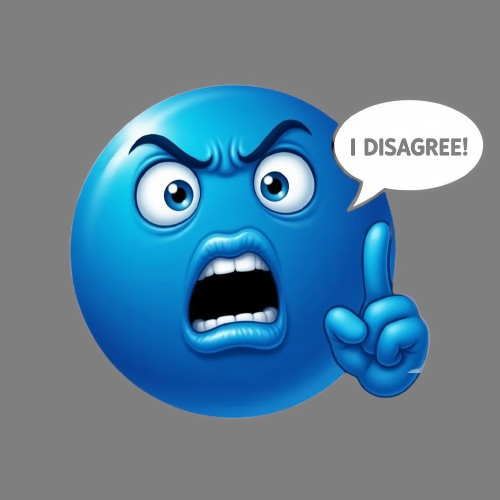
Blue Angry I Disagree

Mustache Glasses Troll

Classic Trollface Dark
How to download a rage reaction
Find an image that matches the reaction you want, select Save, and the PNG will be downloaded to your device. Select Link when you need the direct image address instead.
Transparent artwork can be useful for edits, social posts, thumbnails, chat graphics and other projects. Check the applicable rights for a particular image before using it in a commercial or trademark-sensitive context.
About the artwork
All artwork published in this collection is original work created using generative AI tools specifically for TrollFaceDownload. None of the images were copied from other websites.
We use categories and descriptive titles so visitors can understand what an image contains before opening or saving it.
Rage Face Questions
This page collects angry, frustrated, shocked and gaming-related troll and reaction artwork in one place.
Yes. Every image in this collection is an original work created using generative AI tools specifically for TrollFaceDownload. None of the images were copied from other websites.
Choose the Save button beneath the image you want. The site should download the image file directly rather than sending you to an unrelated page.
Yes. Choose Link to copy the direct image URL to your clipboard.
A free download does not automatically mean unlimited commercial rights. Review the applicable rights and any third-party intellectual-property considerations before commercial use.